Hand out a text to read and a model recording. Students listen to the model, record their own voice and hand it in with three taps: “Record”, “Stop” and “Hand in”.
Listen to the recordings handed in, one student after another, without leaving the screen. Return one with a score and a comment, and the next student’s recording comes up. You can add your own voice when you return it, and a parent or guardian can see the details of the assignment.
Hand out reading with a model recording
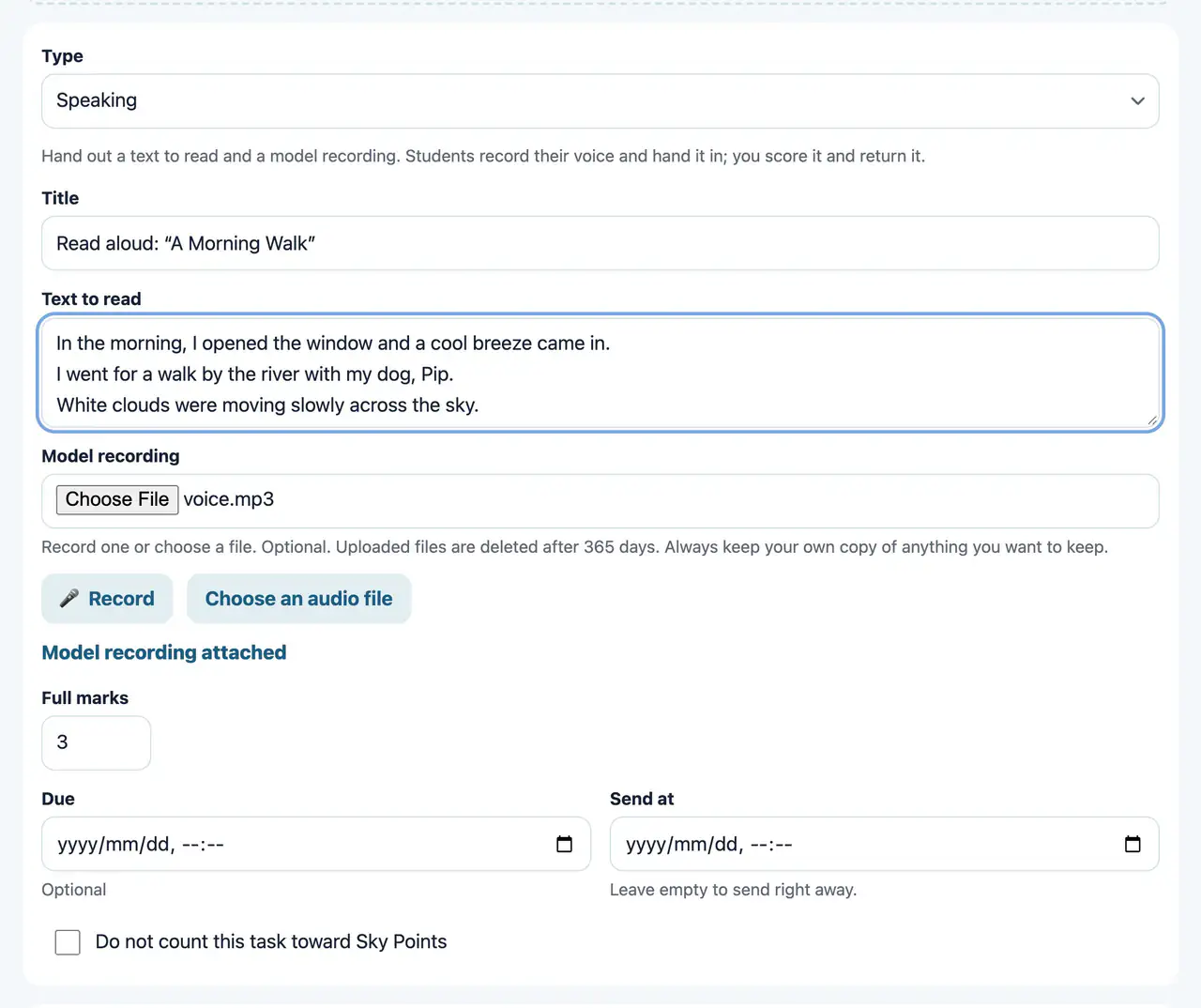
Speaking
WebHand out a text to read and a model recording. The student records their voice and hands it in. The teacher scores it and returns it.
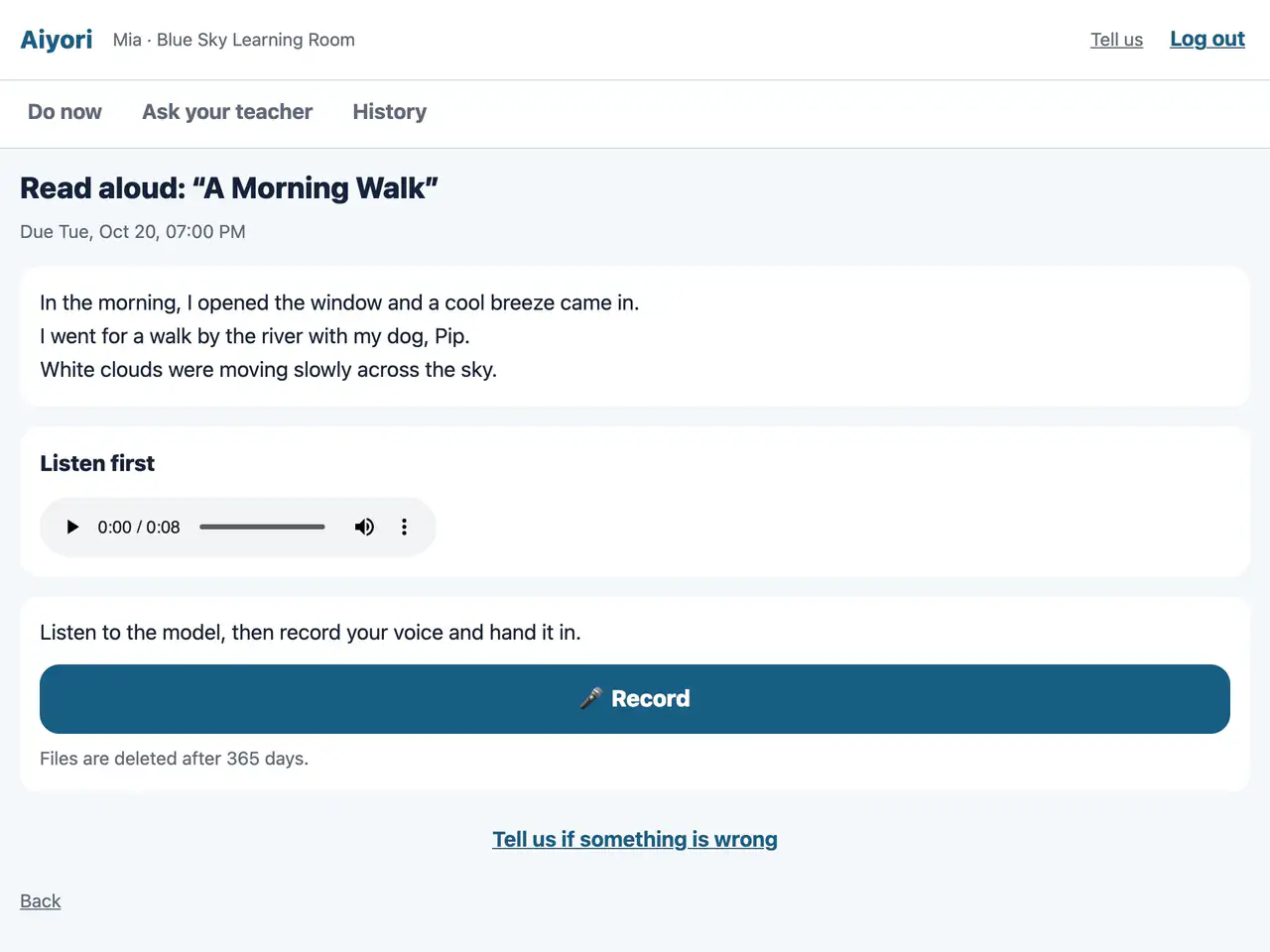
Speaking
Web & appListen to the model, then record your own voice and hand it in. Three taps are enough: “Record”, “Stop” and “Hand in”.
Listen through and return with a score and a comment
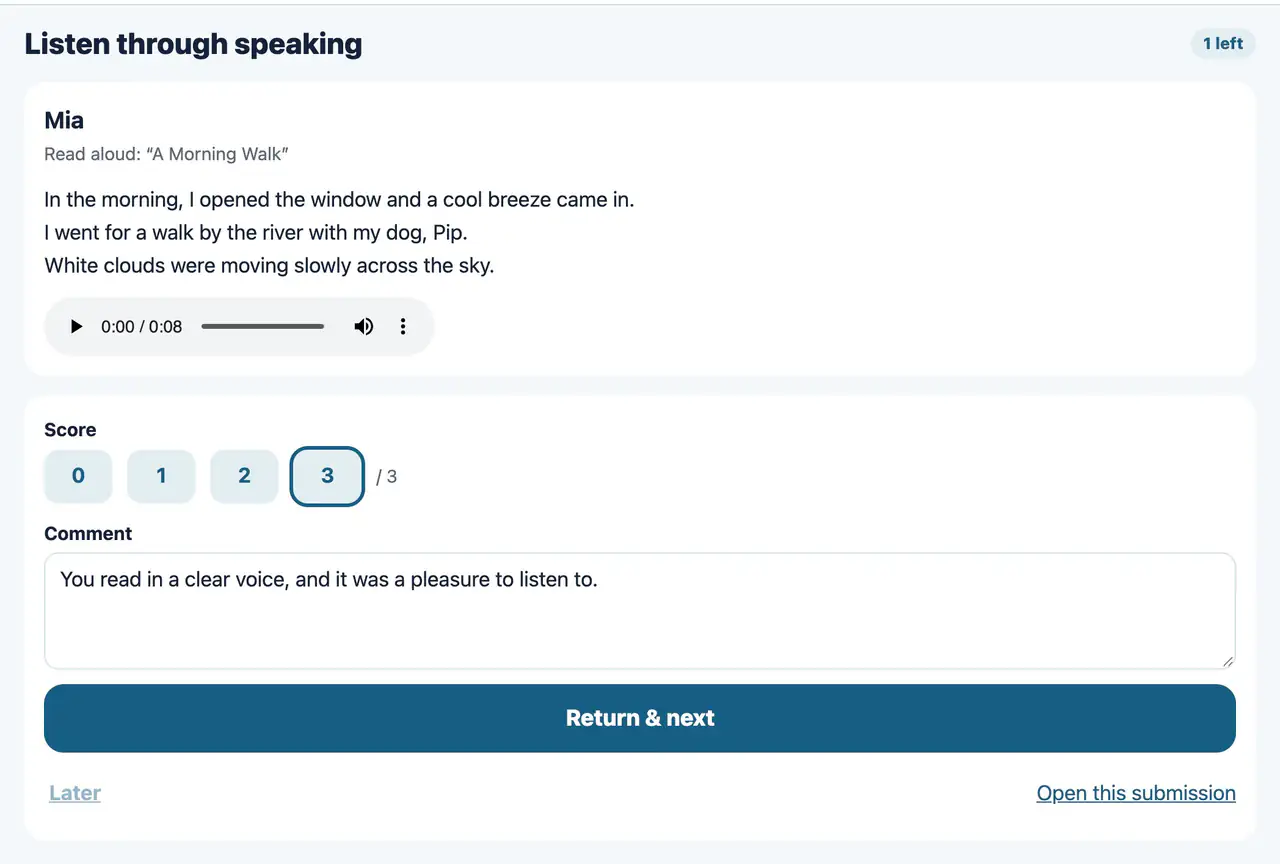
Listen through speaking and return it
Web & appListen to the speaking recordings handed in, one student after another, without leaving the screen. Return one with a score and a comment, and the next student’s recording comes up.
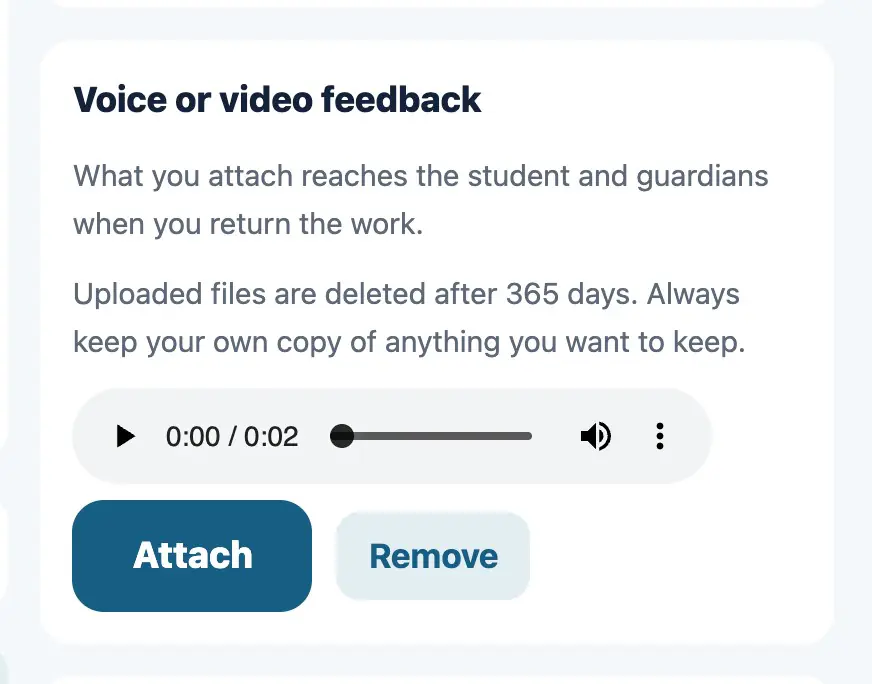
Voice or video feedback
Web & appAttach a voice or video message when you return work. Pronunciation and ways of thinking that are hard to put in writing reach the student as they are.
Parents or guardians see it too; the learning record
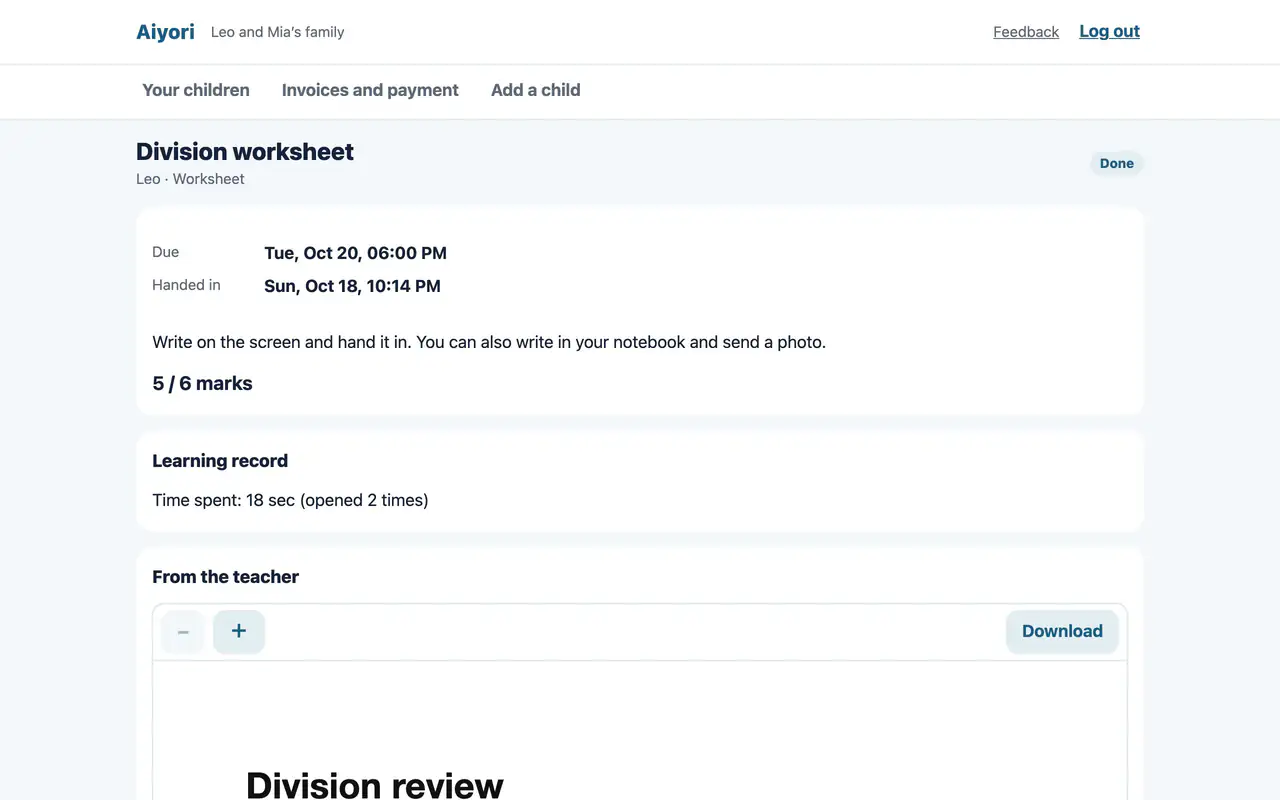
Assignment details
Web & appSee the submission, the score, the teacher’s comment and red-pen marks, the questions and your child’s answers, and the learning record.
View only. Nothing can be changed.
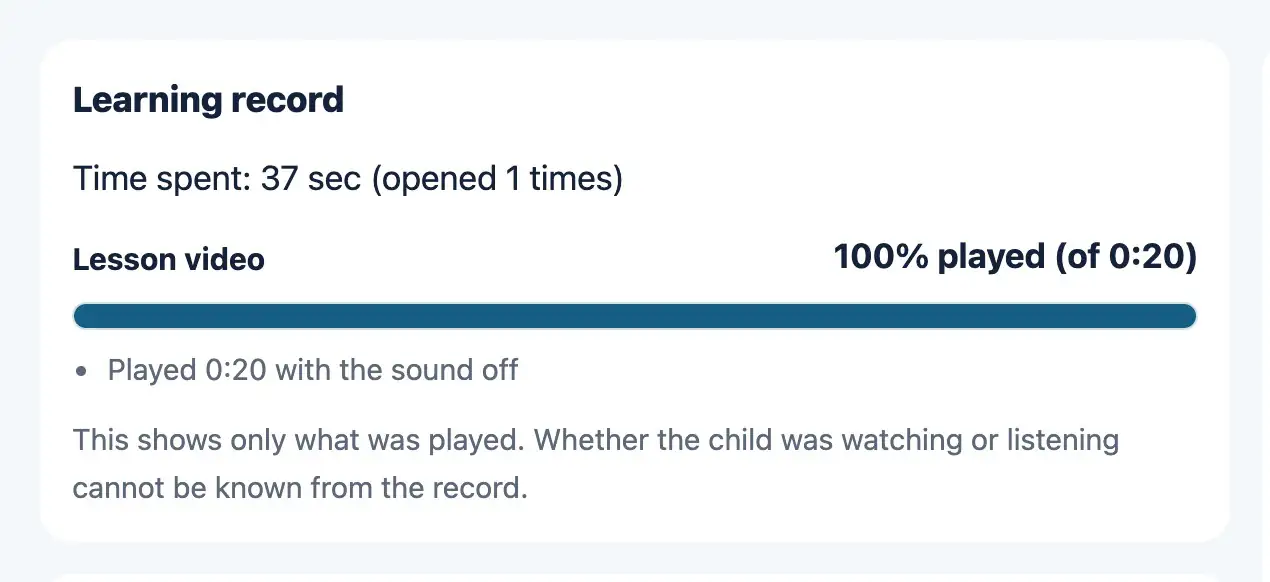
Learning record
Web & appFor videos and audio, shows the share that was played, the parts not played, the number of skips ahead, the time played with the sound off, the number of times the student left the screen, and the time spent.
This shows only what was played. Whether the student was watching or listening cannot be known from the record.
Who gets it, when, and points
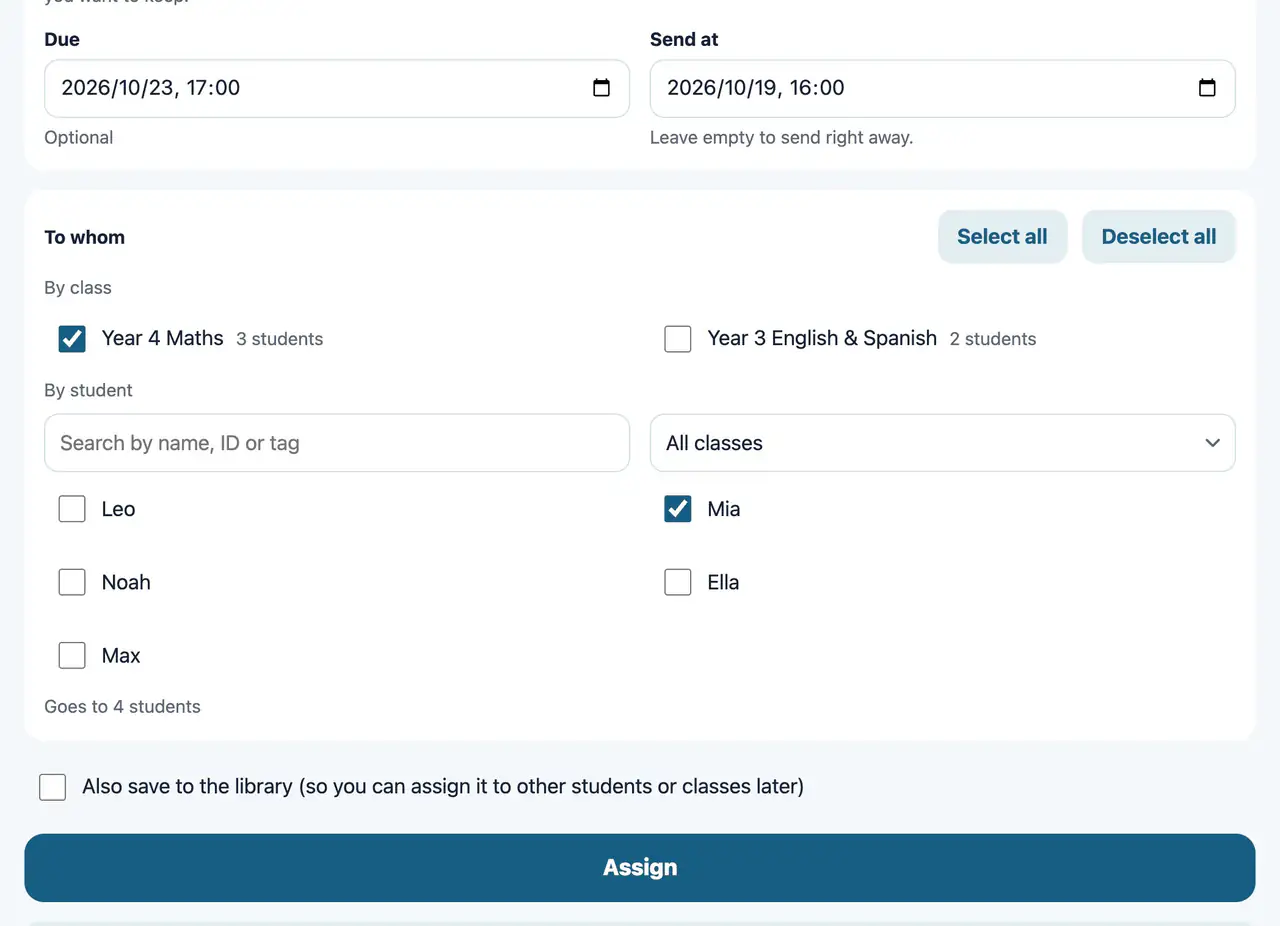
Who gets it, and when
Web & appChoose a class or individual students. You can combine both. With many students, you can search by name, ID or tag, filter by class, or select everyone with a tag at once. Set a date and time, and it goes out by itself at that time. You can also set a due date.
It does not reach students who are suspended or withdrawn.
Points and rewards
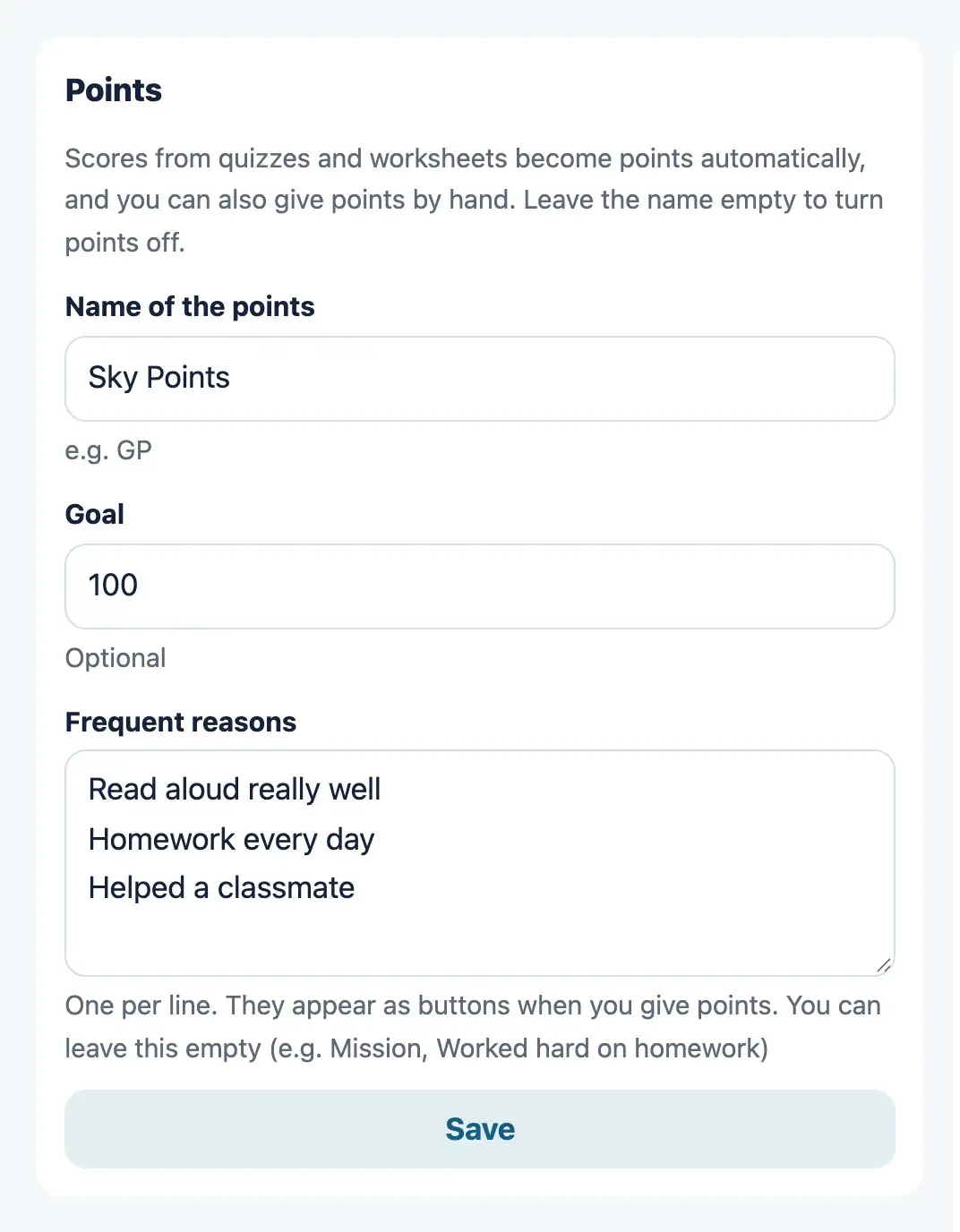
WebScores on questions and worksheets add up as points. Choose a name for the points, how many points make a reward and the reward’s name. Each time a student reaches that number, a reward is earned and a “send” item appears in the teacher’s To-do.
Start free
Free for 30 days after you create the classroom (organization). You don’t need to add a payment method during the trial.