
Set the tuition amount and billing day for each student. A bill is created automatically every month, and the parent or guardian gets an email.
Choose how to receive it: card (through your own Stripe account), bank transfer or cash. Aiyori takes no commission on tuition.
Choose how you receive tuition
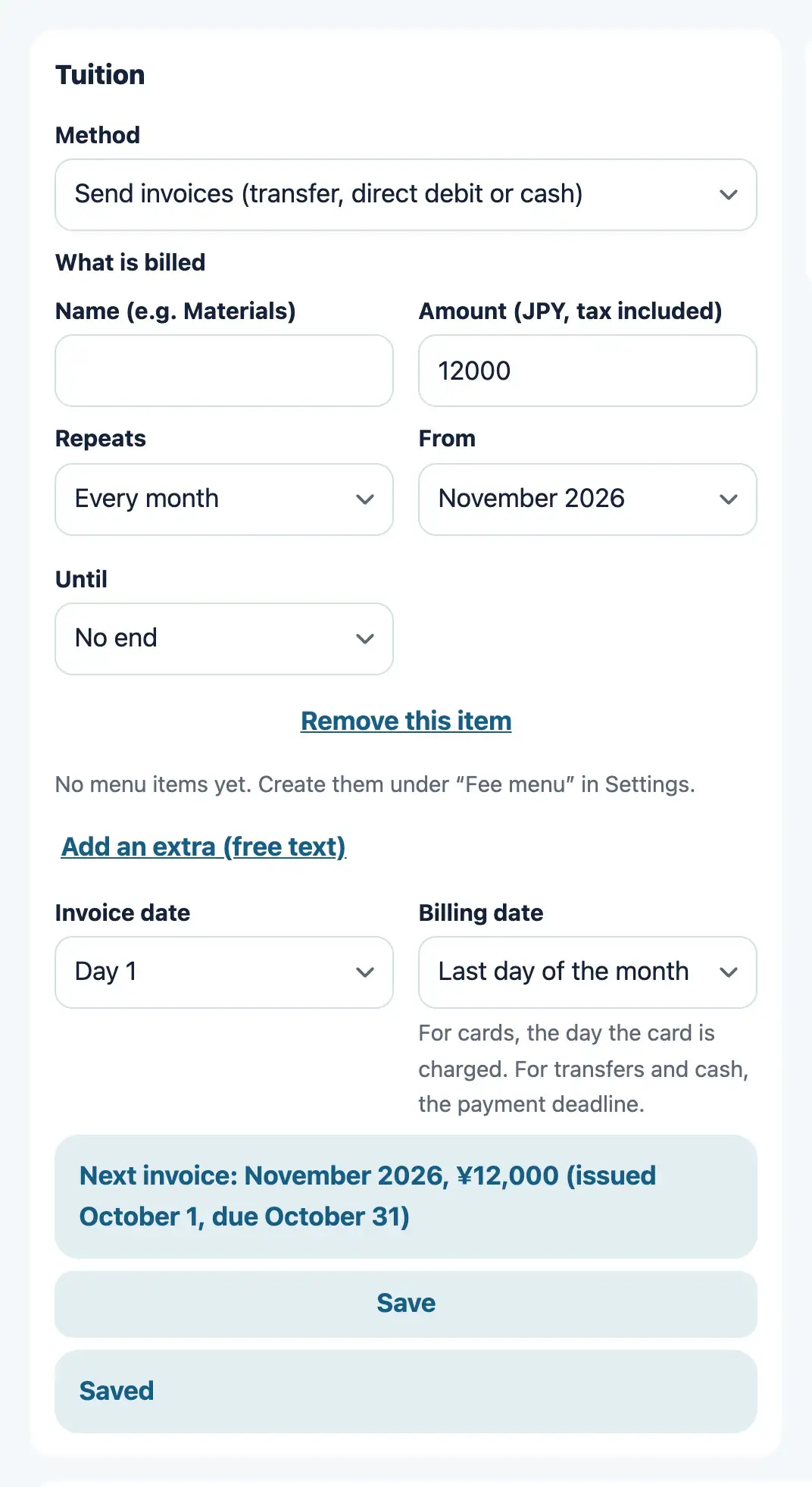
Tuition for each student
WebSet the tuition amount and the billing day for each student. For the method, choose transfer or cash (the teacher confirms payment), or no billing. When an invoice is created, the guardian is told by email.
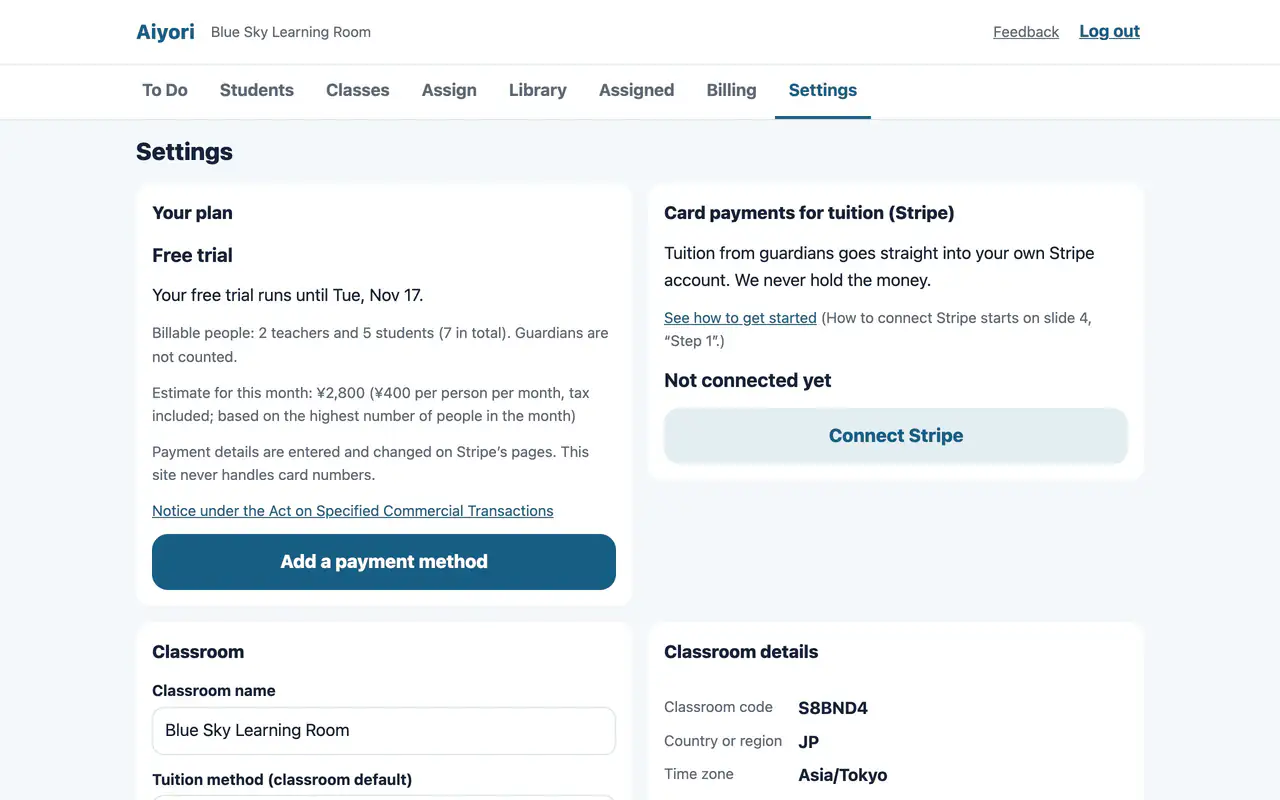
Card payment is available once you connect your own Stripe account.
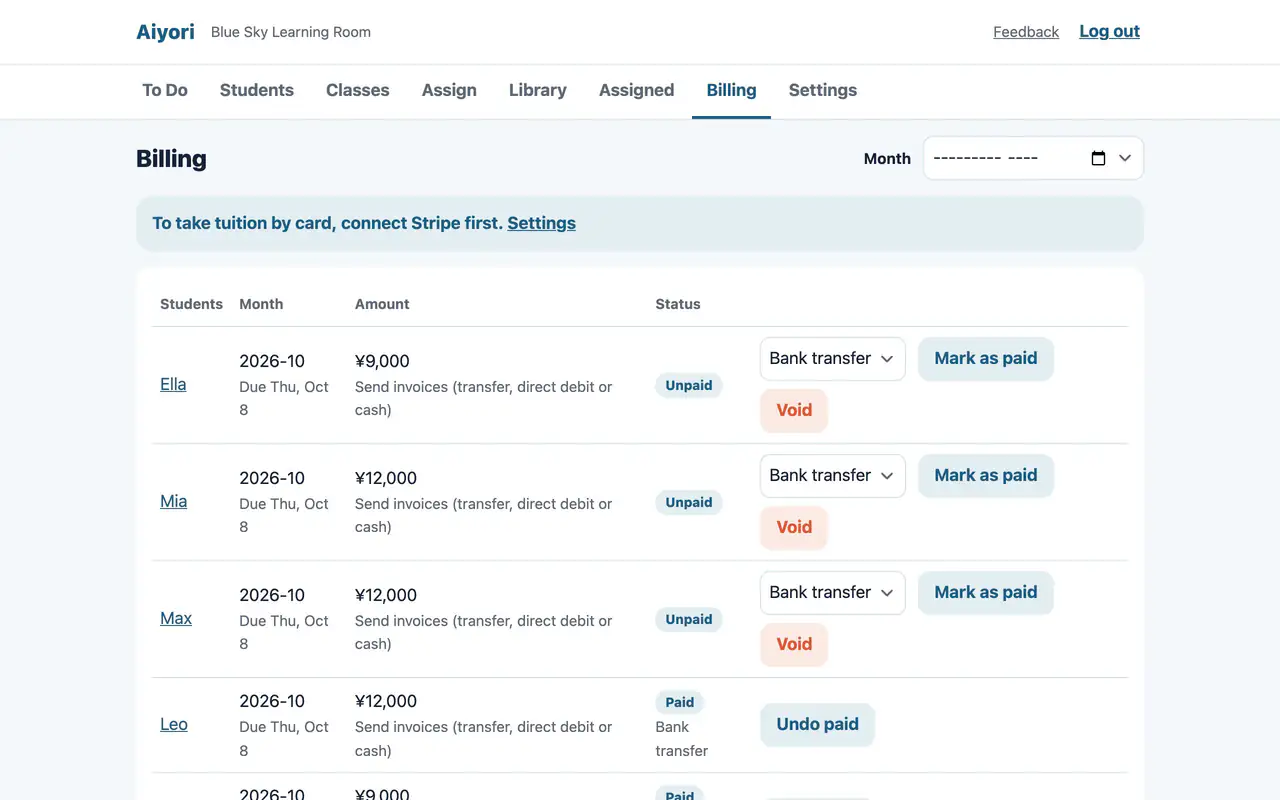
Mark as paid
WebWhen you receive tuition by transfer or in cash, tap “Mark as paid” on that invoice. How it was received (bank transfer, cash or other) is recorded too. The guardian gets a confirmation email.
How to pay
WebWrite a note for the guardian’s screen, such as the account to transfer to or how to hand over cash.
Bills and payment status
Invoice list
WebA table of student, month, amount and status (Unpaid, Overdue, Paid). You can filter by month.
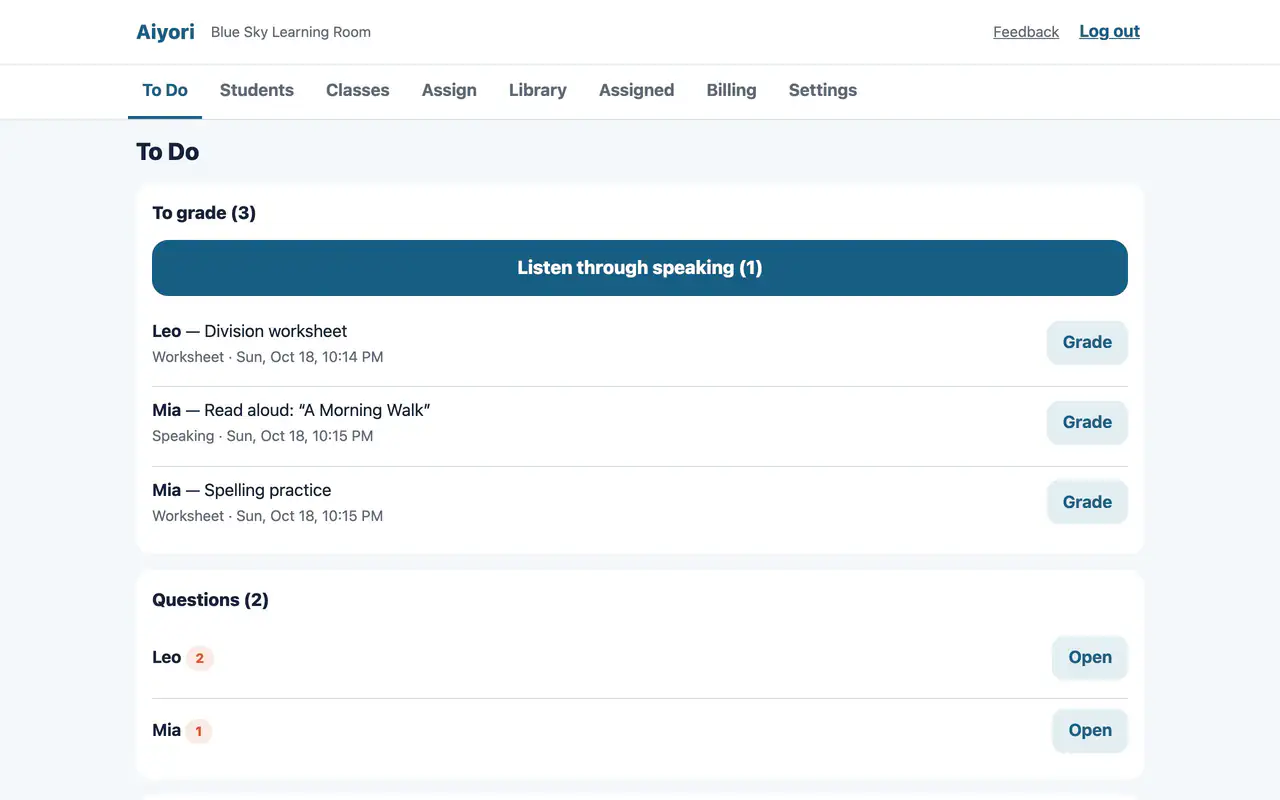
When a payment is late
Web & appAfter the due date, the guardian is reminded by email and notification, up to three times. If there is still no payment, To Do asks “Payment hasn’t been confirmed. Suspend this student?”. The student is not suspended until the teacher decides.
Students are never withdrawn automatically.
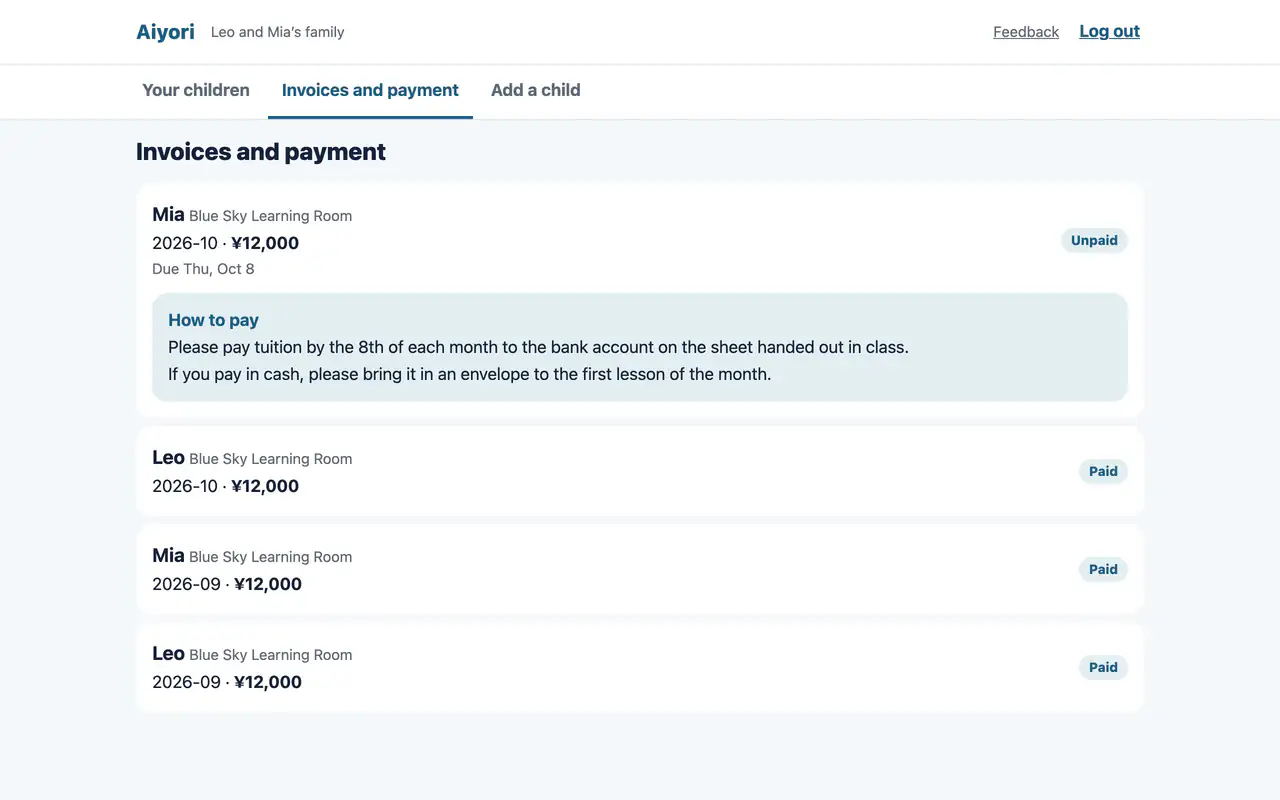
Invoices and payment
WebSee the amount, due date and status for each child and each month. For transfer or cash, the teacher’s “How to pay” note is shown. You are told by email when a new invoice is created and when a payment is confirmed.
The iPhone and iPad app shows only that there is an unpaid invoice, and the amount.
No commission on tuition
- Tuition from guardians or learners is a matter between the classroom and the person who pays. Aiyori takes no fee from tuition.
- To receive tuition by card, the classroom signs up with the payment company (Stripe) and pays Stripe’s fees to Stripe.
Adult classes bill the learner directly
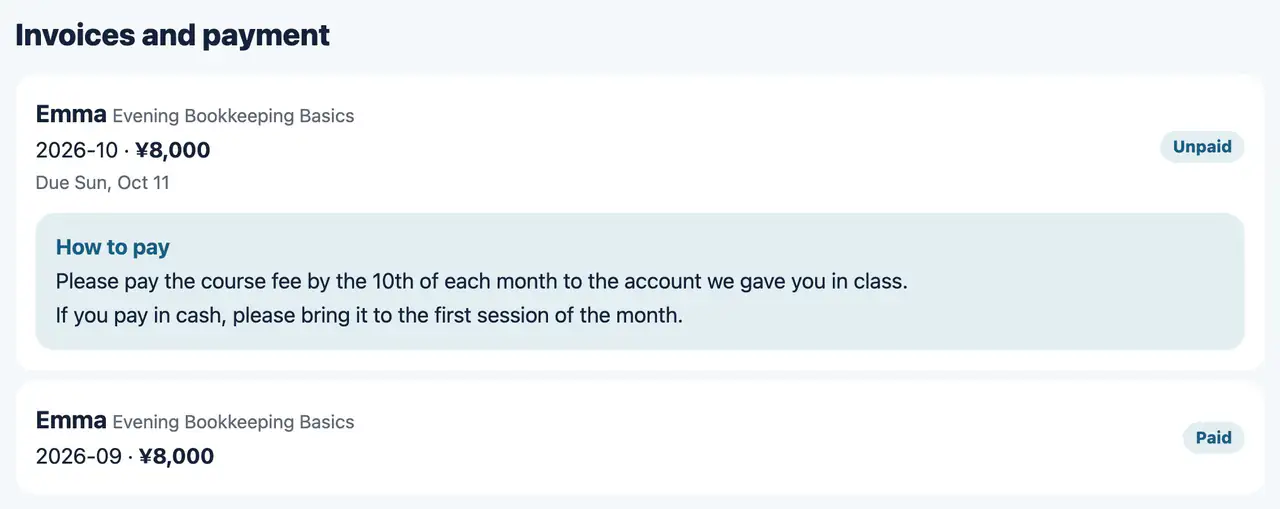
Tuition (paid by the learner)
WebLearners pay their own tuition. In “Invoices and payment” on the web, they see each month’s invoice and the payment instructions written by the instructor.
Invoices do not appear in the iPhone and iPad app.
Start free
Free for 30 days after you create the classroom (organization). You don’t need to add a payment method during the trial.
Start free (30 days)Receive tuition by cardAdult classesPricing