Classroom for children
Tutoring, lessons and private teaching. Each day in the classroom reaches the family.
See features
A new education platform for teachers, students and families
Learn. Connect. Go beyond.
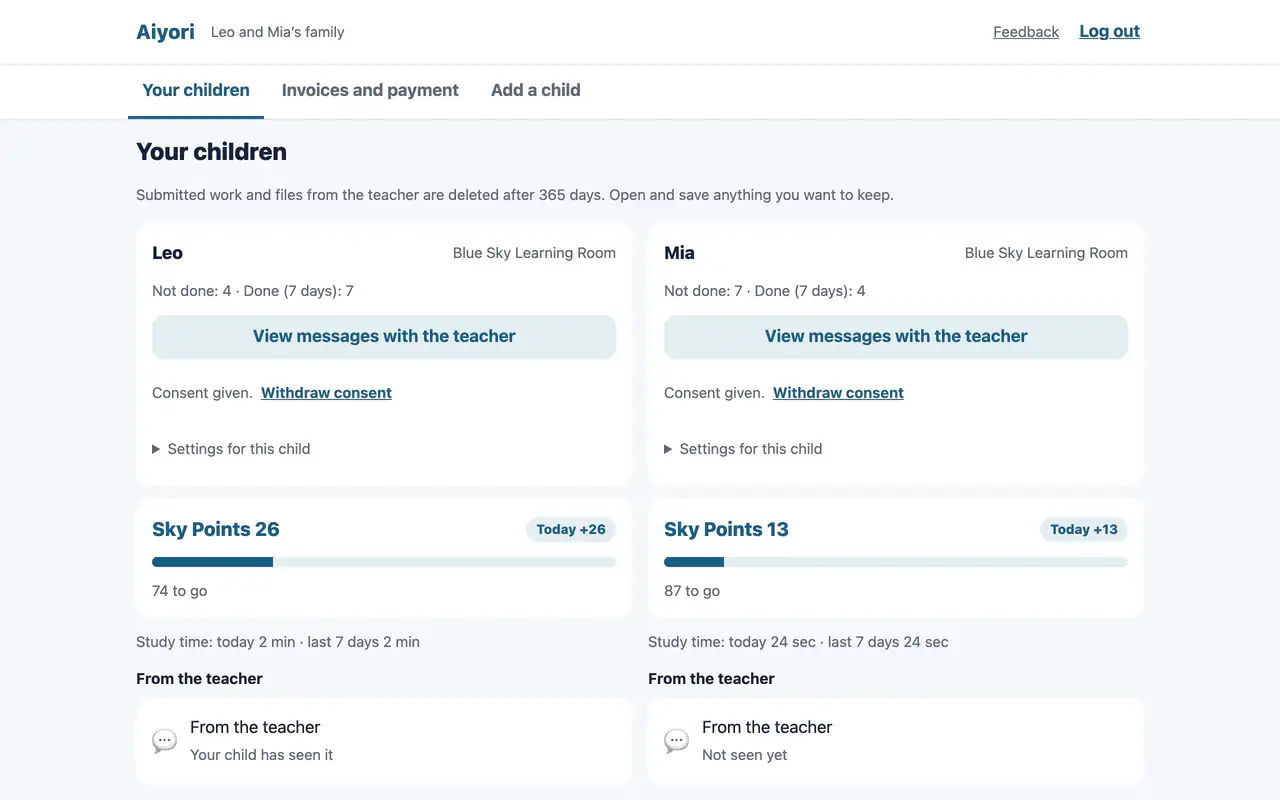
Children work, hand it in, and the teacher returns it. Families see every day of class, just as it happens.
“Blue comes from the indigo plant, yet is bluer than indigo.”

“Blue comes from the indigo plant, yet is bluer than indigo.”
Blue dye is made from the indigo plant, yet the finished blue is deeper than the plant itself.
Students grow beyond their teachers. Every teacher’s greatest hope is our name.
We work toward a world where anyone can find good learning, wherever they live.
Tutoring, lessons and private teaching. Each day in the classroom reaches the family.
See featuresEnglish conversation, yoga, cooking and exam classes. Tuition notices go to the learners themselves.
About adult classesCompany training. Learners log in with their company account, and you keep training records and certificates.
About workplace trainingWhy Aiyori
What families most want to know is what happens in class. What takes teachers the most effort is reporting it.
Children work, hand it in, and the teacher returns it. That record, with the teacher’s red pen and voice, reaches families just as it is.
Teacher and child are never left one-to-one. Guardians can read every message, at any time.
Pricing
No setup fee, no minimum charge, and no difference by feature. Guardians are free. You can try it free for 30 days.
See pricingThe Learning Cycle
Skills don’t grow while listening to a lesson. They grow when you work it out yourself, have your mistakes corrected, and try again.
Aiyori was built to run this cycle on one platform. Videos, questions, handwriting, voice and the teacher’s red pen all live in the same place.
The teacher
The student
The teacher
The student and guardian
And on to the next assignment
Live & Recorded
For lessons on Zoom or Google Meet, just hand out the time and the link. They appear under the student’s “Do now” and can be joined from 10 minutes before the start.
Record a lesson and hand it out as a video, just as it is. Students who were absent can watch the same lesson later and answer the same questions.
For videos uploaded to Aiyori, teachers and guardians can see how far each one was played. No ads, and no recommended videos.
Hand out, check, return
Teachers, students and guardians,
on one platform.
What to do now, in order
Watch over, at a glance
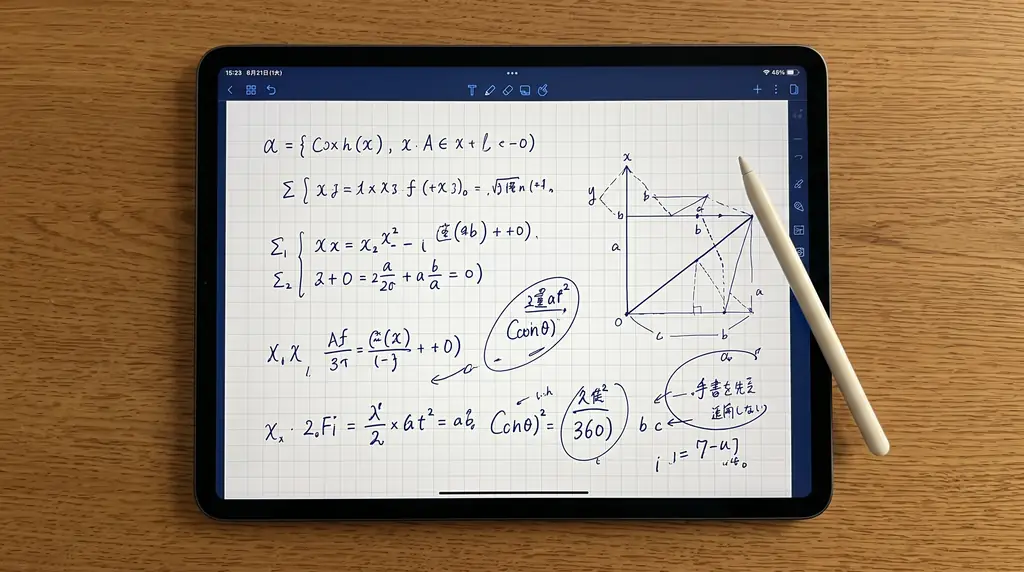

Share recorded lessons safely. Review them at any time.
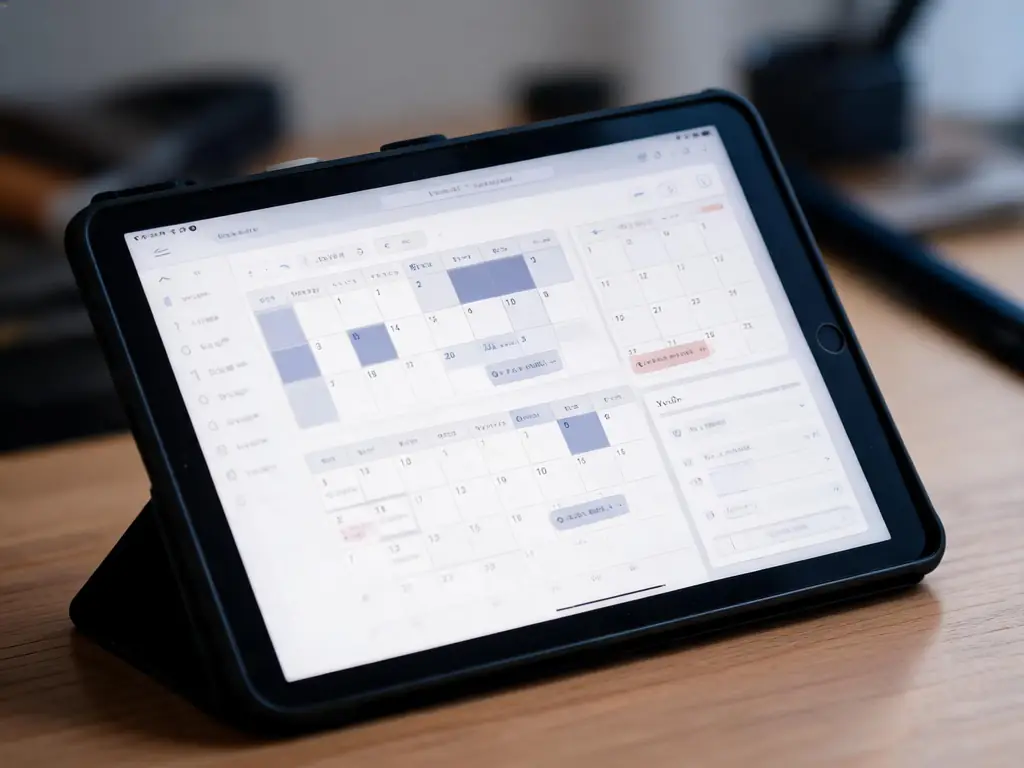
Hand out the time and the link, and the lesson appears in each student’s “Do now” list.
Learning records are made visible and shared with guardians.
From creating bills to confirming payment, all in one place.
Compared
We first surveyed more than 100 services in Japan and abroad, then checked the official pages of the 28 closest ones, one by one. The table below groups the tools into kinds, by who buys them.
Learning tools have no guardians and no tuition. Classroom management tools have no learning.
| What it does | Learning apps for schools | Video and course delivery tools | Classroom admin and messaging systems | Tutor business software (overseas) | Aiyori |
|---|---|---|---|---|---|
| Hand out lesson videos you recorded yourself, with no ads | Mostly | Yes | Only some services, or needs a workaround | Mostly | Yes |
| Mark handwritten submissions in red pen and return them | Yes | Not found in what we checked | Not found in what we checked | Only some services, or needs a workaround | Yes |
| The teacher explains directly, by voice or video | Mostly | Not found in what we checked | Not found in what we checked | Only some services, or needs a workaround | Yes |
| Show guardians, too, how far each video was watched | Not found in what we checked | Only some services, or needs a workaround | Not found in what we checked | Not found in what we checked | Yes |
| Guardians can read, and stop, messages between child and teacher | Only some services, or needs a workaround | Not found in what we checked | Not found in what we checked | Not found in what we checked | Yes |
| Photo and voice submissions stay off until a guardian consents | Only some services, or needs a workaround | Not found in what we checked | Not found in what we checked | Only some services, or needs a workaround | Yes |
| Tuition bills and payment status | Not found in what we checked | Not found in what we checked | Yes | Yes | Mostly |
| An independent teacher can start alone | Only some services, or needs a workaround | Yes | Only some services, or needs a workaround | Only some services, or needs a workaround | Yes |
Based on our own research as of October 2026. For each kind, the mark reflects the best of the services we checked. Where we found no mention on the official pages, we marked “×”; individual services differ. Aiyori’s tuition supports card payments (received in the teacher’s own Stripe account) as well as recording bank transfers and cash.