
For classes that adults attend, such as English conversation, yoga, cooking or exam preparation. Hand out videos and assignments, receive and return work, and send tuition invoices, all on one platform.
Choose “Classroom for adults” when you create your classroom. There are no guardian features, and learners pay their own tuition. Learners see plain wording, without the phrasing made for children.
What you can do
- Hand out lesson videos, including YouTube videos. You can also set rules that stop skipping ahead or speeding up.
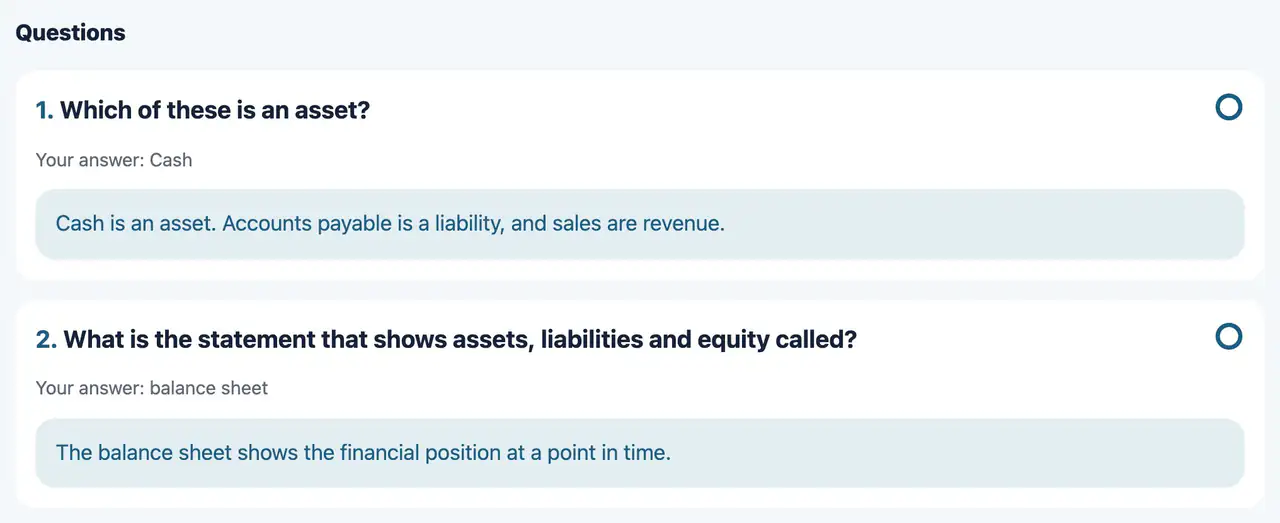
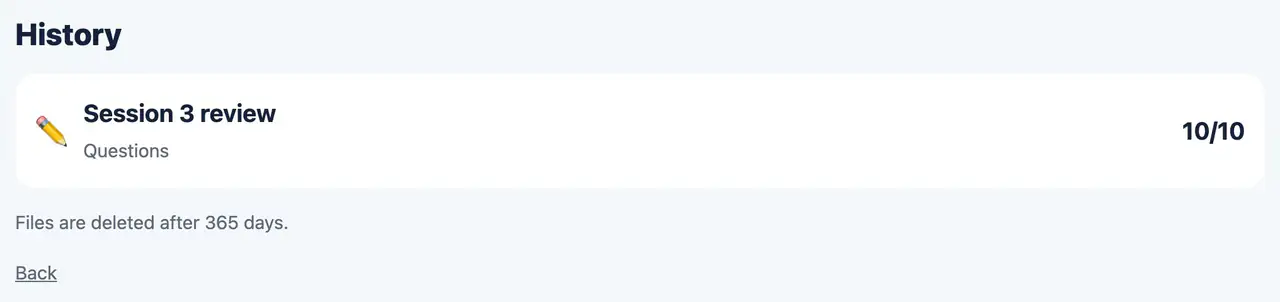
- Questions (graded automatically), word cards, speaking recordings, writing on handouts, and handing in work as a photo.
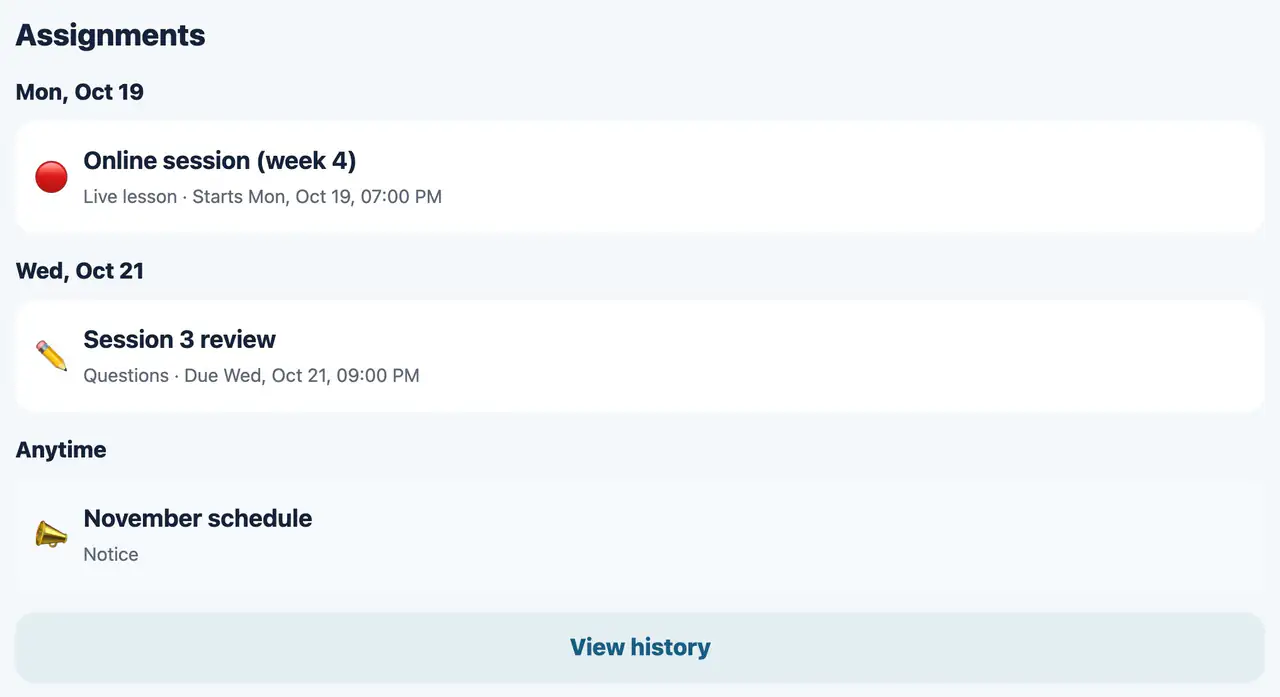
- Hand out the time and link of a live lesson (Zoom or Google Meet), and it appears in the learner’s “Assignments”.
- Add red-pen marks to submissions, or reply with your voice or a video. You can also ask for a redo.
- Exchange one-to-one messages with each learner.
- Keep materials on the shelf and hand them out again at any time, including to people who join later. You can also make a course that hands out one item on set days of the week.
- Works in the browser on computers, tablets and smartphones. The iPhone and iPad app is available on the App Store.
Tuition
- Who pays
- The learners themselves. You set the tuition amount and how you receive it for each learner.
- Notices
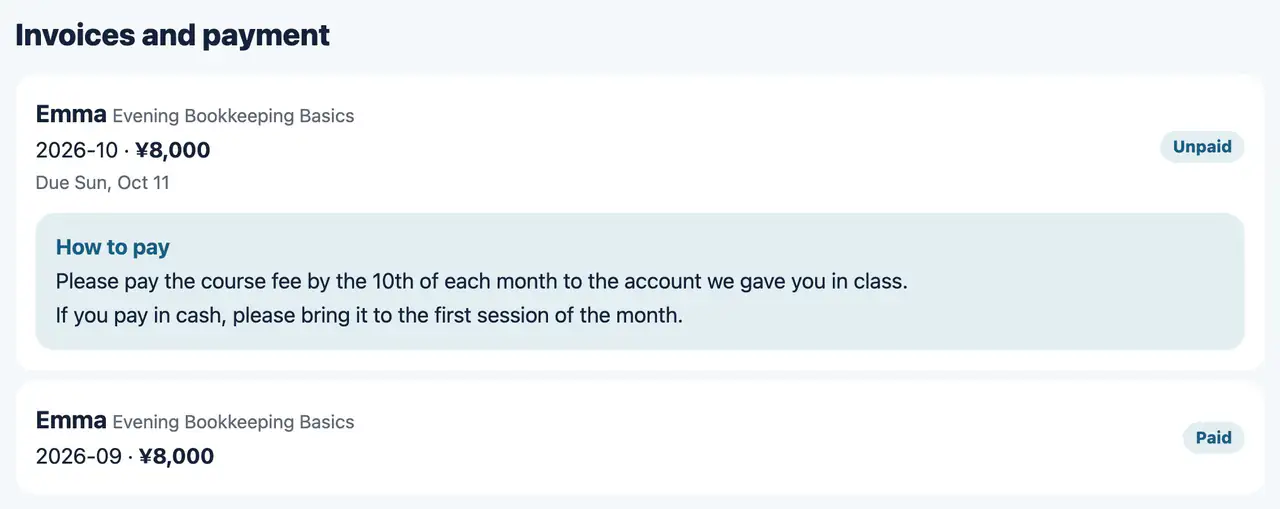
- Invoices are created automatically each month, and a notice is sent to the learner’s email address. If a payment is late, we also let them know by email.
- Card
- Connect your own Stripe account to receive tuition by card. The money goes straight into your account; Aiyori does not hold it, and takes no fee from tuition.
- Learner’s screen
- Learners see their invoices on the “Invoices and payment” page on the web, where they can also add or change their card. Invoices do not appear in the iPhone and iPad app.
- Bank transfer and cash
- When you receive a payment, use “Mark as paid” on that invoice. The learner gets a confirmation email.
Learner accounts
- Registering
- Register learners one by one, or many at once by pasting a table or choosing a CSV file. An email address is required (tuition notices are sent there).
- Age
- For people aged 16 and over. We do not ask for a birth month or for guardian consent.
- Classes with children too
- If children and adults attend together, choose “Classroom for children”. Learners whose birth month shows they are 18 or over see the plain wording.
Pricing
- Usage fee
- ¥400 per person per month (tax included), counting instructors and active learners. The same as classrooms for children.
- Free trial
- Free for 30 days after you create the classroom.
How to start
- 1. Create a classroom
- Log in with your email address and choose “Classroom for adults” in “Get started”.
- 2. Register learners
- Register them with their email addresses and give them their login details.
- 3. Set tuition
- Set the amount and how you receive it for each learner. To receive tuition by card, connect Stripe.
- 4. Hand out
- Hand out videos and assignments.